A SaaS evaluation checklist small teams can finish in one afternoon
Most software evaluations fail in the same place. The team spends three weeks on feature comparison, signs, and then discovers the real costs six months later: the export is a CSV dump with no relationships, single sign-on sits two tiers up, and the person who championed the tool has changed jobs. None of that is visible in a demo.
This is a checklist you can finish in an afternoon. It is deliberately not a feature matrix. Features are the part vendors are happy to discuss, which is exactly why they are the part least likely to hurt you.
Before you book anything, write the decision down
Write one sentence describing what has to be true in ninety days for this purchase to have been correct. Not “improve collaboration”. Something closer to “invoice approvals stop living in email and take under two days end to end”.
If you cannot write that sentence, you are not ready to evaluate tools. You are still defining a problem, and a vendor will happily define it for you in a shape that matches their product.
Name an owner and a backup owner in the same breath. Tools that outlive their champion and have no second owner are how stacks accumulate software nobody can explain.
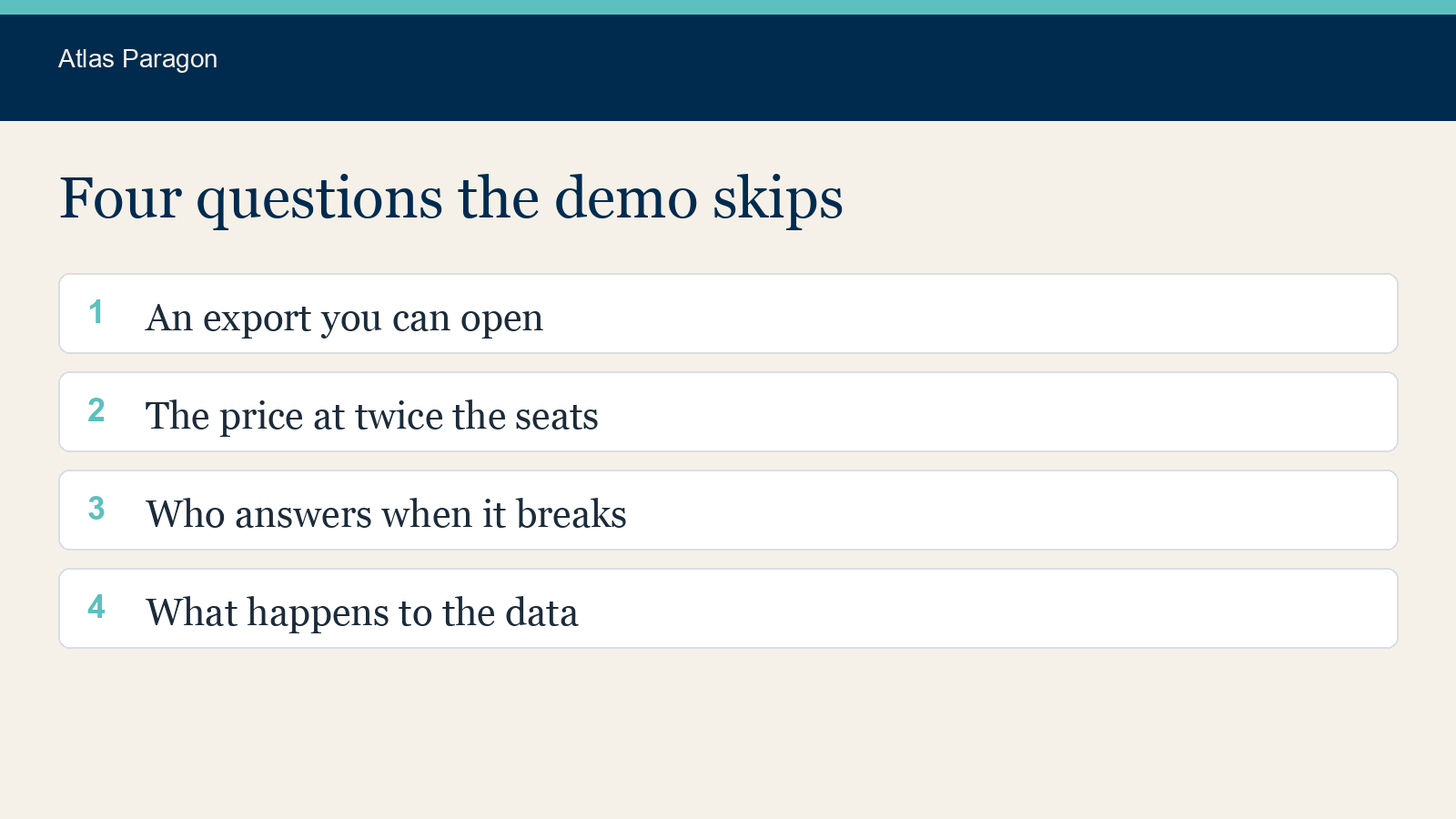
The four questions that actually predict regret
1. How do I get my data out, in a form I can use?
Ask for an export of a populated account, not a description of the export. A CSV per table with no foreign keys is technically an export and practically a dead end, because the relationships between records are the part that took you two years to build.
Check whether the export includes attachments, comments, history, and custom fields. Those are the four things most commonly dropped. Ask what happens to exports after the contract ends and how long you have to retrieve them.
2. What is the price at twice the current usage?
Ask for the number in writing at your current seats, at double, and at whatever the next pricing tier boundary is. The question is not whether the tool is affordable today. It is whether the pricing curve punishes exactly the growth you are hoping for.
Watch for costs that scale on something you do not control: records stored, API calls, external collaborators, or contacts held rather than contacts used. These are the ones that arrive as a surprise invoice.
Ask separately what single sign-on costs. It is common for authentication controls to sit on a higher tier than the tier a small team would otherwise buy, which turns a security requirement into a budget negotiation.
3. Who at the vendor is accountable when it breaks, and how do I reach them?
Find the documented support commitment rather than the sales assurance. What are the stated response times, do they differ by severity, and do they differ by plan? Is support included or is it a percentage uplift?
Check whether support is available in your working hours. A vendor twelve time zones away with an eight hour response target means a one day round trip on every exchange.
4. What happens to our data, and who else touches it?
Ask for the list of sub-processors. Any vendor handling personal data should be able to produce one without a meeting. If the list is not published, that is itself informative.
Establish where data is stored and processed, whether that can change without notice, and what the deletion process is after termination. If the tool will hold personal data, you need a data processing agreement, and you need to have read it rather than filed it. The Information Commissioner’s Office publishes the organisational guidance, and the National Cyber Security Centre publishes a guide for small organisations that do not have a security team.
Run the trial against your worst case, not your happy path
The demo shows the tool working on clean data at comfortable volume. Your account will have neither. Load the messiest real dataset you are permitted to use, then try the three things you do most often and the one thing you do at the worst moment.
For a support tool that means the Monday backlog, not a single tidy ticket. For anything with approvals it means the approver being on leave. For anything with billing it means a refund, a partial refund, and a correction to a closed period.
Have someone who was not in the sales meetings attempt a core task without training. If the tool needs a champion present to be usable, the champion is now a dependency.
Write kill criteria before you sign, not after
Decide now what would make you stop. A useful kill criterion is specific and observable: adoption below a stated number of weekly active users at ninety days, or the original decision sentence still not true at the first renewal.
Put a review date in a shared calendar with the owner’s name on it. Software rarely gets removed because nobody is scheduled to ask whether it should be. The cost of an unused subscription is not only the invoice, it is the integration surface and the access it keeps open.
The afternoon version
If you have two hours rather than a day, do these five things and accept the risk on the rest.
- Write the one-sentence decision and name two owners.
- Request a real export from a populated account and open it.
- Get pricing in writing at current, double, and next tier, including single sign-on.
- Run your worst case, not the demo case.
- Write the kill criteria and the review date before signing.
The evaluation that takes an afternoon and asks these questions beats the three week comparison that asks none of them. Most of the cost of bad software purchases is not in the licence. It is in the year spent working around a decision nobody wrote down.
Sources
- Information Commissioner’s Office, guidance for organisations
- National Cyber Security Centre, small organisation guide