A password manager for a UK household (and the shared home-office laptop)
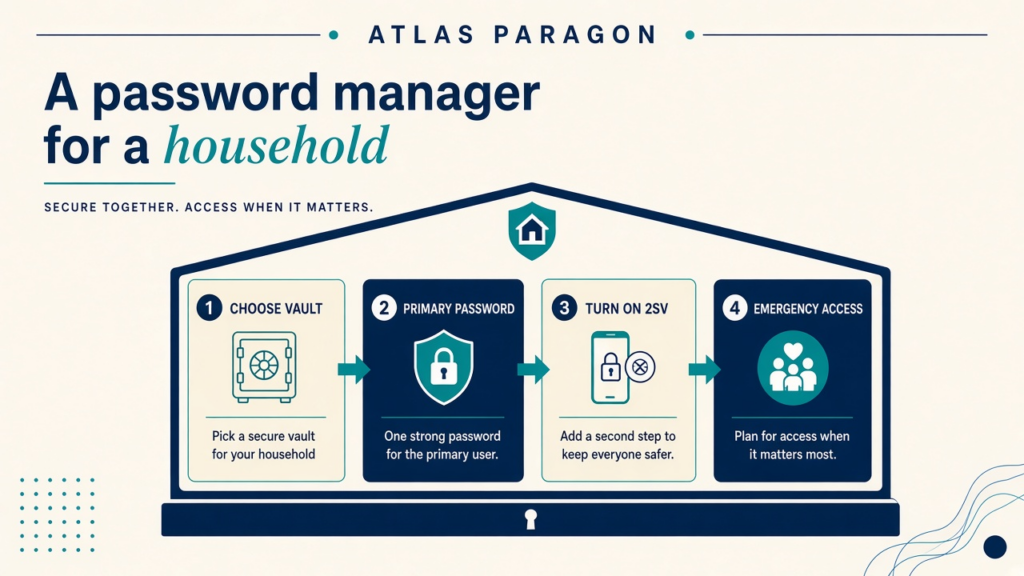
Takeaway: A password manager for a household UK setup is a shared vault with rules, not a sticky-note drawer. Pick a tool the household will actually open, turn on two-step verification on the vault itself, and decide who gets emergency access before the next locked-out Sunday.
Most homes do not need a corporate security programme. They need unique passwords for bank, email, school portals, and streaming, without everyone recycling the same phrase. The NCSC’s guidance on managing your passwords is written for people and families, not for an IT ticket queue. That is the bar this piece uses.
What the NCSC actually says
First, turn on two-step verification (2SV) on important accounts. Then use different passwords for each service. A password manager exists because remembering those strings by hand is unrealistic. The NCSC describes two broad options: the manager built into your browser or device, and a third-party manager you install separately.
In its June 2025 note on password managers and passkeys, the NCSC treats a manager as a digital safe with one primary password. First-party tools sit inside Chrome, Safari, Edge, or Firefox. On Apple devices that often means Apple Passwords (or iCloud Keychain on older menus). On Android or Chrome households it often means Google Password Manager. Third-party tools such as Bitwarden Families or 1Password Families sync across a messy mix of phones and browsers. Convenience points at the built-in option. Extra features, shared collections, or less lock-in point at a reputable third-party product. The NCSC does not crown a single brand as “best for 2026,” and neither does this article.
Passkeys sit above the password pile when a site offers them. Under the FIDO2 / WebAuthn model, your device keeps a private key and proves possession to the site without sending a reusable password. The same NCSC top-tips page, reviewed May 2026, says make passkeys the first choice where they exist, and keep a strong unique password plus 2SV everywhere else. A household vault still earns its place for the long list of sites that have not moved yet.
The same vault usually covers the shared home-office laptop. A sole trader or two-person shop often keeps personal email, HMRC, and a client portal beside streaming and school logins. Separate collections keep personal and work identities apart on that machine. That is household operations with a business overlay, not an enterprise BYOD policy document.
Shared vaults without sticky notes
Household sharing is the hard part. Browser save prompts on a shared laptop are not the same as a managed vault. The NCSC warns that if you are not sure who else can reach a shared computer, the safer move is to refuse the browser’s “save password” prompt. Separate user accounts on the machine, and logging out, are the floor for a family desktop.
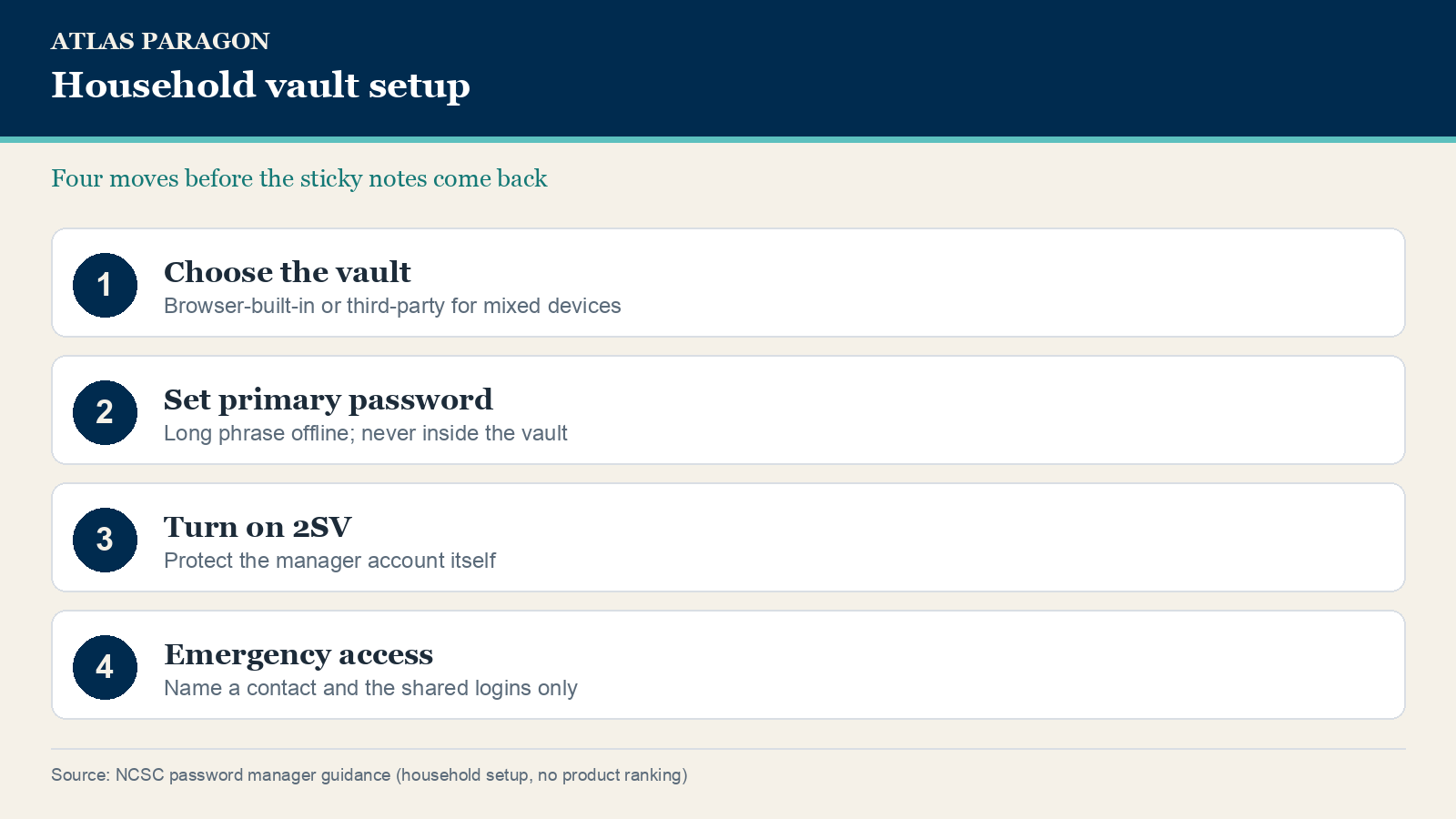
A family plan with a shared folder is usually clearer than five people saving into one browser profile. Bitwarden Families and 1Password Families both expose shared collections; Apple Passwords and Google Password Manager can share selected logins through their own family or account features. Pick one adult who owns the primary password and 2SV, then share only the logins that must be shared (utilities, streaming, the school portal). Bank and personal email stay in private collections. If your product offers emergency access or a trusted contact, set it while everyone is calm. Waiting until someone is in hospital is how sticky notes return.
Writing a primary password on paper is allowed in NCSC guidance when it is kept out of sight and not reused. Do not put that primary password inside the vault itself. Do not paste it into a group chat. Treat it like the spare house key, not like a grocery list.
The traps that look helpful
Autofill only on the correct site is a real phishing defence. That only helps if people still check the whole address before they trust a login page. A vault will not autofill a lookalike domain that is one letter off.
If an Apple Account prompt appears that nobody started, stop before Accept. That path is separate from the vault: follow the Apple Account check first, then rotate any reused passwords the vault still holds.
Skip “password manager” ads that demand a phone number before you can see a privacy page. Prefer products with a clear security track record, recovery you understand, and updates you will actually install. The NCSC’s watch-outs are short: strong unique primary password, 2SV on the manager account, and devices that still receive updates.
The one-evening setup
- If every phone is Apple, start with Apple Passwords. If everyone lives in Chrome or Android, start with Google Password Manager. If the house mixes iPhone, Windows, and Android, shortlist Bitwarden Families or 1Password Families and pick the one people will open daily.
- Create the vault with a long primary password (three random words is the NCSC-style floor). Write it down once, store it offline, then turn on 2SV for the vault.
- Import or retype the high-value logins first: email, bank, HMRC or tax, Apple or Google account, school portals.
- Create a shared collection for true household logins only. Name one emergency contact or recovery path, and tell that person where the offline primary password lives.