WhatsApp teen controls will not show the chat. Check groups, Channels, and Meta AI
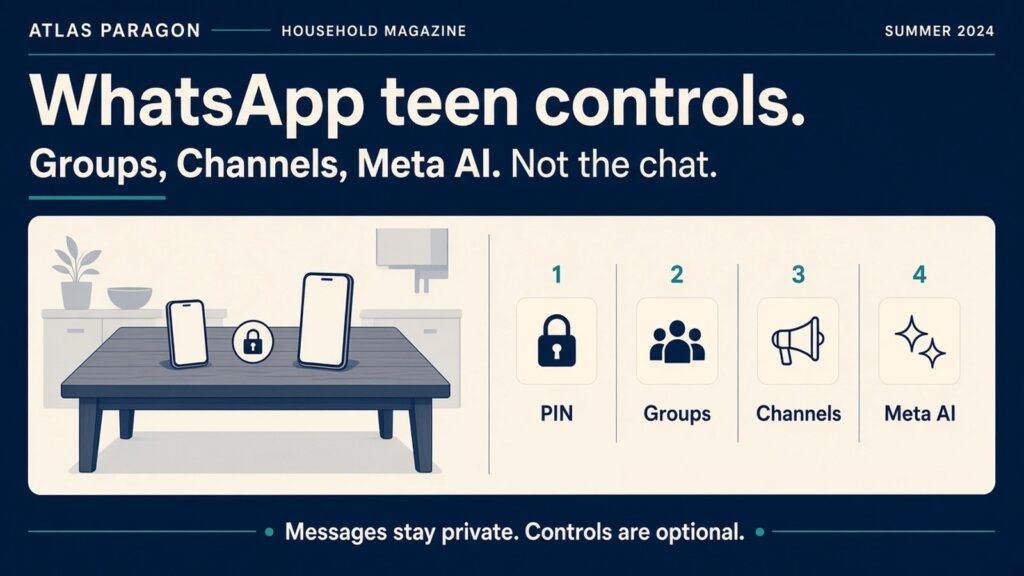
Takeaway: WhatsApp’s new teen controls can limit groups, Channels, and Meta AI. They do not open the private chat. Set them on the teen’s phone if the menu is there. Keep checking Linked devices either way.
A household can want a quieter WhatsApp for a 13 to 17 year old without turning the app into a log of every conversation. The new controls are built for that split. They are optional. Messages and calls stay end-to-end encrypted. If the menu is missing, the rollout has not reached that phone yet.
What WhatsApp and the BBC reported
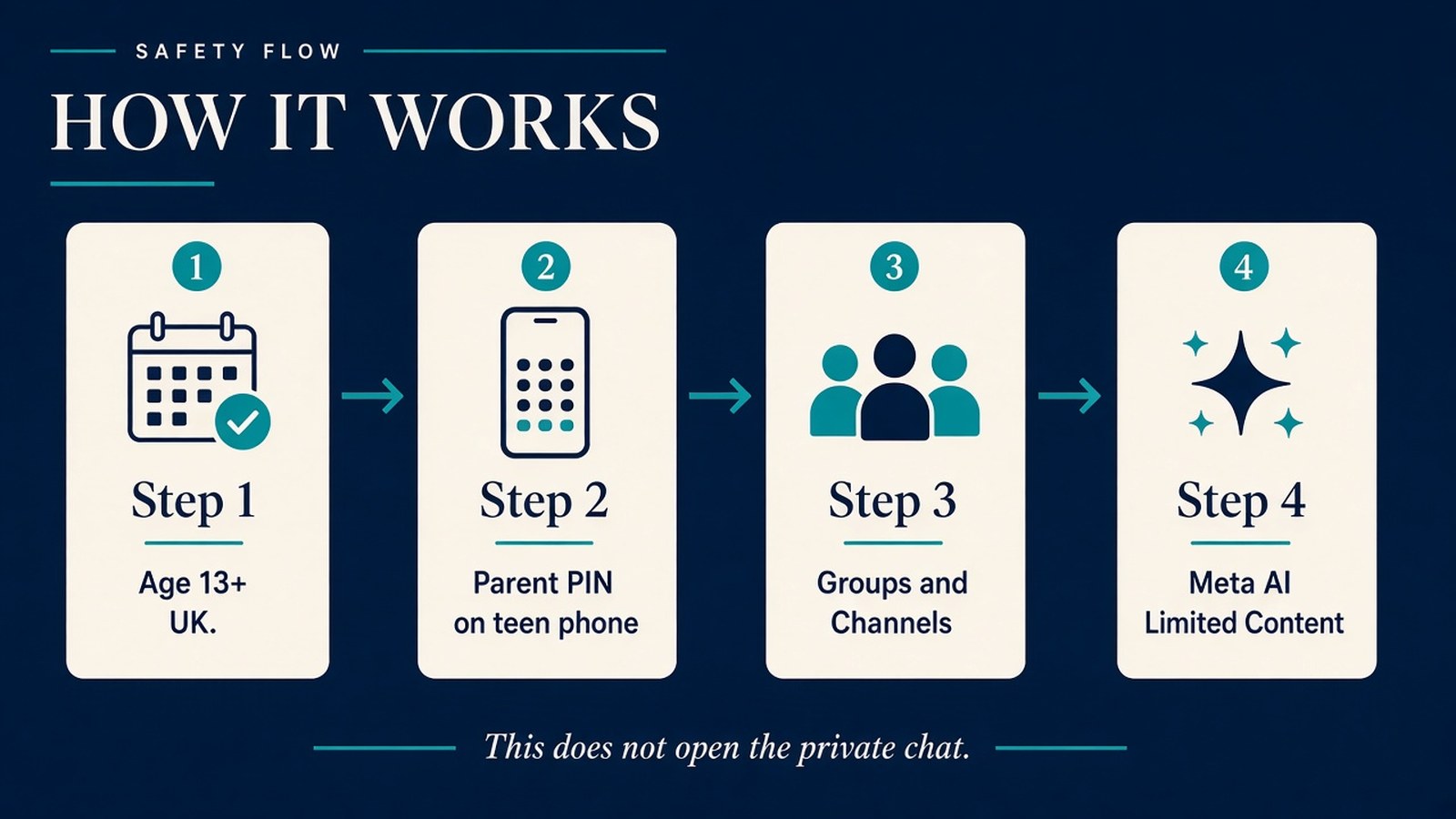
On 30 September 2026 WhatsApp published New Controls to Help Parents Guide Their Teens on WhatsApp. The company says parents can set who sees a teen’s profile photo and who can add them to groups. Parents get a notice when the teen joins or leaves a group, or when a group they are in grows in a meaningful way. Parents can also choose how the teen uses Channels and Status, and can pick the Meta AI setting: the default 13+ option, or a stricter Limited Content option.
A teen who wants to relax those settings needs a parent-set PIN. WhatsApp says parents can change or switch the controls off at any time. It is explicit that parents are not given the chat: personal messages and calls stay private, and WhatsApp says it cannot see them either.
The BBC reported the same package the same day. It notes the UK minimum age for WhatsApp is 13, that the tools are optional, and that analyst Matt Navarra called optionality an obvious weakness because families have to switch the tools on. The BBC also records that planned UK restrictions on under-16s using social media platforms currently treat WhatsApp as a messaging service, so it is excluded from that ban as described in that report. Do not treat a messaging app as already covered by a social media ban.
Setup lives on the teen’s phone, not only on yours. WhatsApp’s product page whatsapp.com/parentalcontrols lists: open WhatsApp on the teen’s phone, Settings, Parental controls, confirm the birthdate, then link the parent account. If that row is not there, wait for the official rollout rather than downloading extra “family dashboard” software from an advert.
The household checks that still matter
Confirm the account is actually a teen account. In the UK, WhatsApp’s own minimum age is 13. A false birthdate is easy to type. The NCSC’s social media guidance says the same thing and points families to Thinkuknow, Internet Matters, and the NSPCC rather than a gadget-shop kit.
Do not expect the PIN to show you the thread with school friends. If you need the contents of a chat, these controls will not provide it. That is the design. Use the group and Channel settings, then talk about who is in the groups.
Keep the old hygiene that has nothing to do with the new menu. The NCSC’s messaging-app advice is for any household, not only teenagers: do not share verification codes, do not scan a surprise QR code, and regularly open Settings and check Linked devices. A laptop or tablet you do not recognise should come off the account. The same habit as checking a lookalike web address applies inside a chat: type the real site yourself.
If an Apple ID on the same phone starts behaving oddly, stop before tapping Accept on a device prompt. That path is separate from WhatsApp’s PIN: the Apple Account check is the one to follow there.
Parent-managed accounts for pre-teens are a different WhatsApp product, announced earlier in 2026. They are not a workaround for a UK 12-year-old on a normal teen login. If the child is under 13 in the UK, do not open a WhatsApp account just to try the new controls.
The one-minute check
- On the teen’s phone, look for Settings, then Parental controls. If it is missing, the rollout has not arrived.
- Set the parent PIN yourself. Write it down where the household keeps other PINs, not in the chat.
- Tighten who can add the teen to groups, then skim Channels and Status. Pick Limited Content for Meta AI if you do not want the default 13+ assistant.
- Open Linked devices on that same account. Remove anything you do not recognise. Remind them not to share codes or tap surprise links.
Sources
- WhatsApp blog, New Controls to Help Parents Guide Their Teens on WhatsApp (30 Sep 2026)
- WhatsApp, parental controls product page and setup steps
- BBC, WhatsApp introduces optional parental controls for teenagers (30 Sep 2026)
- NCSC, social media: how to use it safely
- NCSC, messaging app targeting (linked devices, codes, QR)