When the link looks almost right: check the whole address
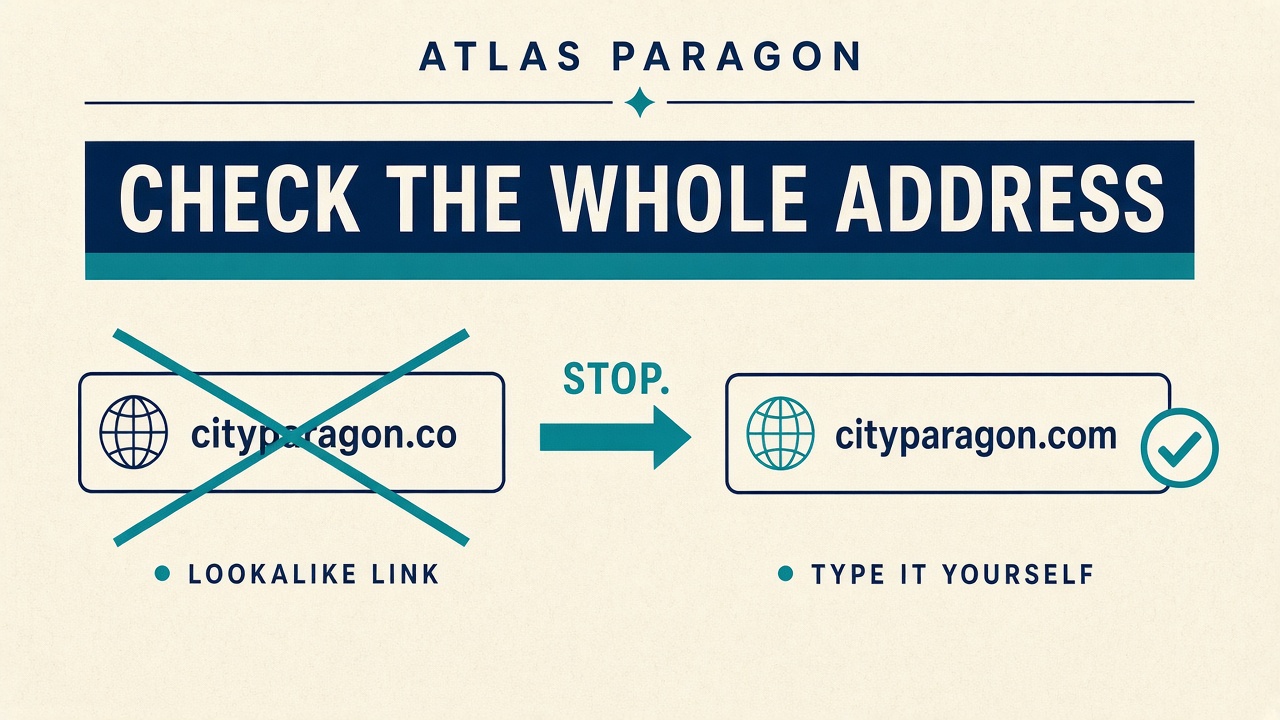
A link can look like your bank, your shop, or a government page and still be wrong. The page design is easy to copy. The address bar is harder to fake once you read all of it. That is the household check when a message asks you to sign in, pay, or “unlock” an account.
What a lookalike address does
The NCSC shopping guidance says criminals duplicate the design of a legitimate website, including logos and products, and often use a deceptive domain that can be mistaken for a genuine one. Their example is a site at tescos-sales.com standing in for tesco.com. The same trick works for banks, delivery firms, and Apple-style account pages: an extra letter, a hyphen, or a word like “secure” or “support” bolted onto a brand you already trust.
The government’s Stop Think Fraud guide puts the same point in plain language. A domain name that does not look quite right, or that includes a trusted brand name in the wrong place, is a giveaway. A padlock and https only mean the connection is encrypted. They do not prove the site is the company you meant.
Read the whole bar, then type it yourself
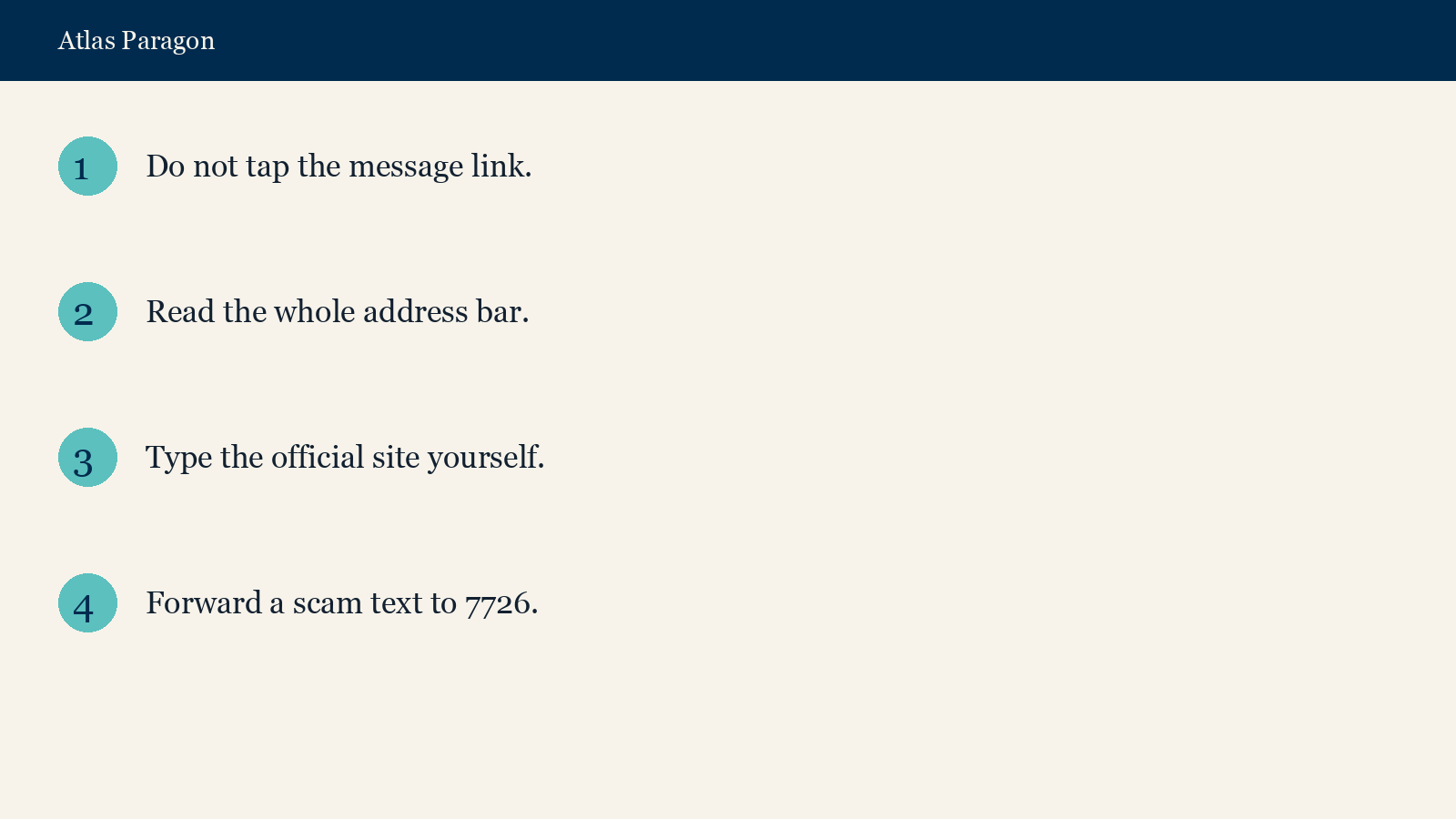
If a text, email, or chat asks you to open a link, do not tap it first. Open a fresh browser tab and type the address you already know, or use the app you already installed from the real store. The NCSC says the same: if you are unsure about a link, type the official website address yourself, or find a phone number on the official site and call it.
When you do look at an address, read past the first few letters. Check the bit just before the first slash after the domain. A page that ends in a long string of random characters after a brand name is not the same as the short official domain. A google.com.something-else pattern is not Google’s own site.
This is a different job from recovering an Apple Account that already looks compromised. That starts from Apple’s own pages. This starts before you ever type a password into a page that arrived in a message.
Report it, then check the money
Suspicious texts can be forwarded to 7726 for free, which the NCSC shopping guidance names as the number your provider uses to investigate. Suspicious emails belong with the NCSC’s scam-email reporting process. If money has already moved, tell the bank first, then report it as a crime to Report Fraud. The same NCSC phishing guidance lists Report Fraud for England, Wales and Northern Ireland, and 101 for Scotland.
The one-minute check
- Do not tap the link in the message.
- Read the whole address in a tab you opened yourself. Look for extra letters, hyphens, and brand names in the wrong place.
- Type the official address, or open the official app.
- If the message still looks wrong, forward a text to 7726, or report the email and website through the NCSC routes above. If money moved, call the bank, then Report Fraud or 101 in Scotland.
Sources
- NCSC, shopping and paying safely online
- Stop Think Fraud, how to spot a fake website
- NCSC, report a scam email