If your Apple Account looks compromised, do this before you tap Accept
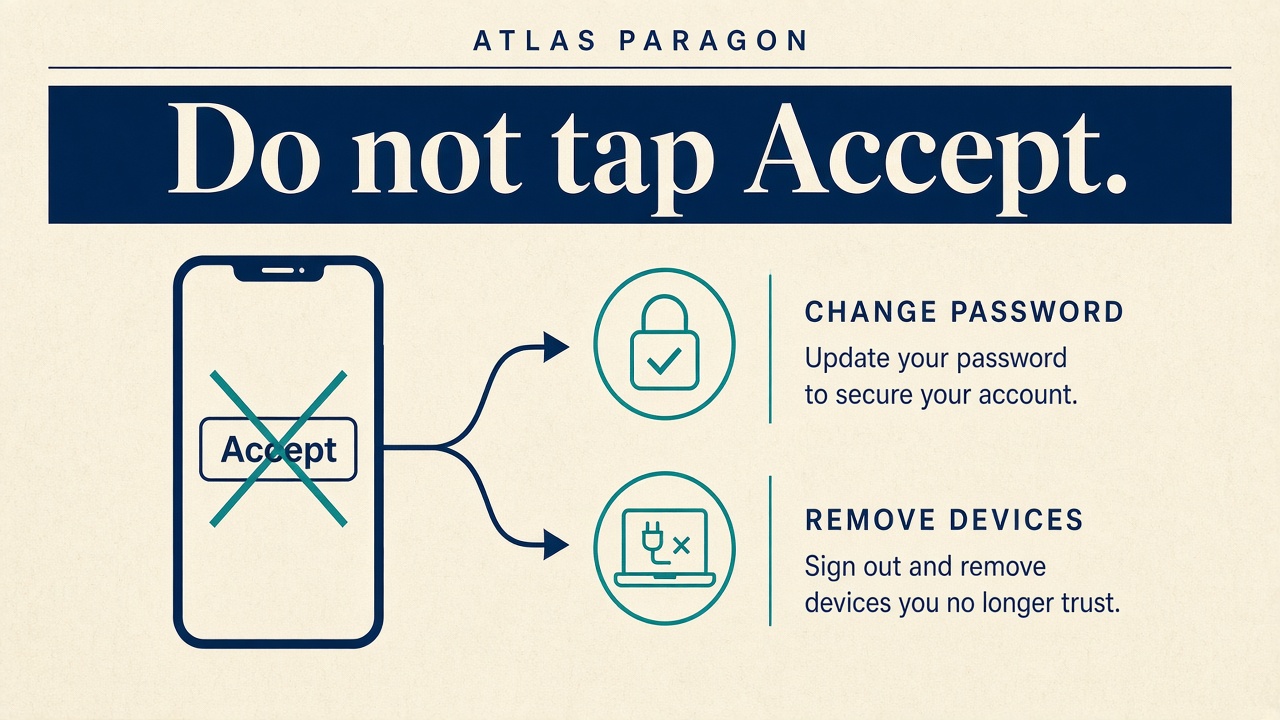
A message that says your Apple Account has been locked is not proof of anything. It may be Apple. It may be someone who wants your password and your two-factor code. Treat the message as a warning to open the real Apple pages yourself. Do not tap Accept in a dialog you did not start.
What counts as a real warning
Apple’s own guide lists the signs that matter: a notification or email about activity you do not recognise, a two-factor authentication code you did not request, messages you did not send, deleted items you did not delete, account details or trusted devices you did not add, purchase activity you do not recognise, a password that no longer works, or a device locked or put into Lost Mode by someone else.
A single unsolicited email that only asks you to “verify” is not on that list. It is the opposite problem. Apple’s social engineering guidance says Apple never asks for your password or verification codes to provide support, and that Apple will never ask you to log in to a website, tap Accept in the two-factor dialog, or enter a password, device passcode, or two-factor code into any website. If someone on the phone claims to be Apple Support, hang up and start from Apple’s site yourself.
Regain the account, then look around
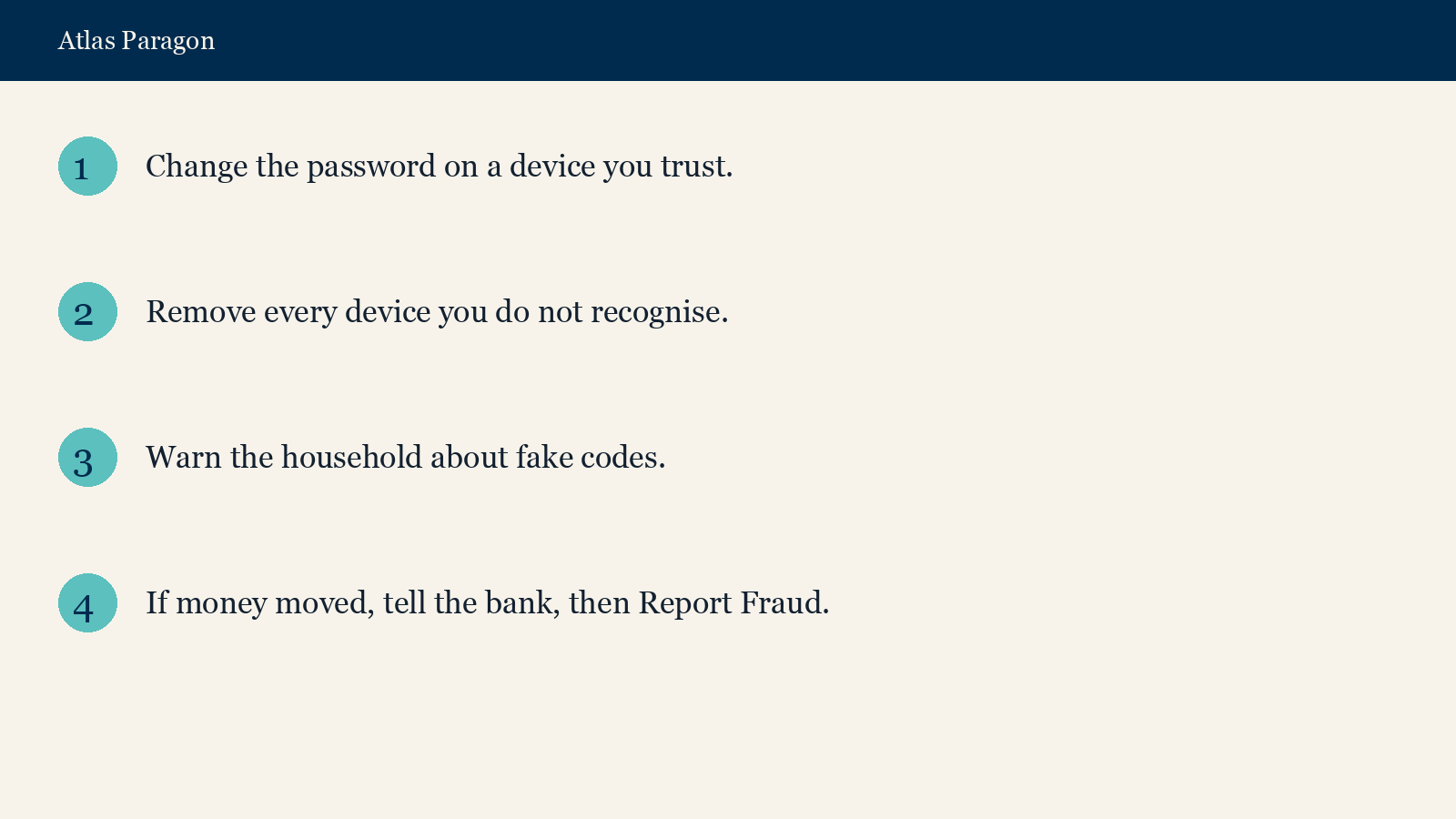
If you can still sign in, change the Apple Account password to a strong, unique one. Then open account.apple.com, fix any personal or security information that is wrong, and remove devices you do not recognise. Apple also tells you to check your email provider and your mobile carrier for unauthorised access or SMS forwarding. Turn on two-factor authentication if it is not already on. On an iPhone, Stolen Device Protection is an extra control when someone has the handset and knows the passcode.
If the password was already changed by someone else, or you cannot sign in to account.apple.com, start recovery at iforgot.apple.com. Apple says there can be an account recovery waiting period before you regain access. That wait is the security feature. A caller who offers to shorten it is not Apple.
The NCSC recovery guidance adds the household layer. Change any other password that matched the one that was stolen. Tell people who message you that the old account may send junk. Type official addresses into the browser. Do not use the links in the messages you were sent.
When money has moved
If money has left a bank or card, tell the bank first. Then report it as a crime to Report Fraud, which the NCSC names as the UK reporting centre for cyber crime. In Scotland, contact the police by dialling 101. The same NCSC phishing guidance lists Report Fraud at reportfraud.police.uk and on 0300 123 2040 for England, Wales and Northern Ireland.
This is a different job from reading a product privacy page before you click Accept. That is about a new product. This is about an account you already use every day.
The ten-minute check
- Ignore the message link. Open account.apple.com or iforgot.apple.com by typing the address.
- Change the password if you can. Remove every device you do not recognise.
- Ask everyone who shares Family Sharing or a household Apple device whether they started a reset. If nobody did, treat the code as hostile.
- Check bank and App Store purchase history. If money moved, call the bank, then Report Fraud or 101 in Scotland.
Sources
- Apple Support, if you think your Apple Account has been compromised
- Apple Support, recognise and avoid social engineering schemes
- NCSC, recovering a hacked account
- NCSC, report a scam email